Work Smarter With
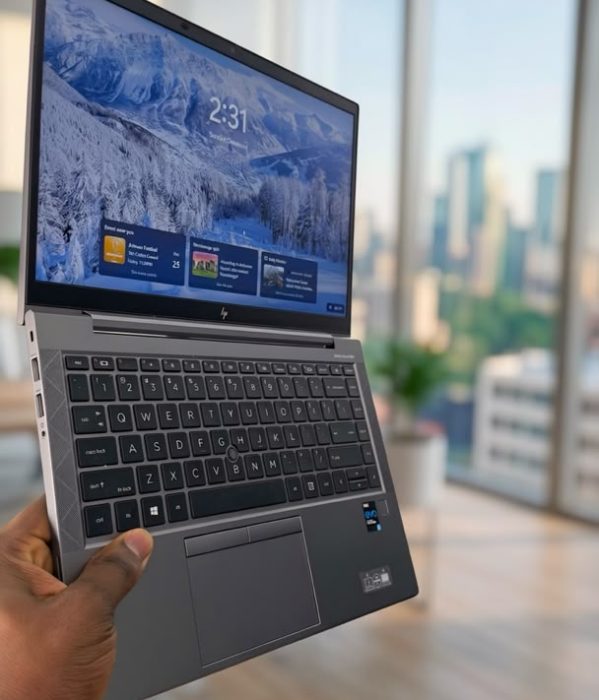
HP ZBook Firefly G8
Watch Video Description
👉 Don't just buy a laptop. Get the complete setup.
Professional Workstation Laptop — Power & Portability for Work on the Go
Insert Your SIM & Browse Without WiFi – Connect Projector via HDMI – Transfer Fast via USB-C – Delivered FREE to Your Doorstep
We’re adding 4 useful accessories at NO EXTRA COST.
🎁 BONUS #1 — FREE MOUSE
Work comfortably and navigate your laptop with ease.
VALUE: FREE
🎁 BONUS #2 — FREE LAPTOP BAG
Protect and carry your laptop conveniently wherever you go.
🎁 BONUS #3 — LAPTOP BAG
Offer valid while stock lasts. First come first served.
VALUE: FREE
🎁 BONUS #4 — FREE X-360 LAPTOP STAND
Enjoy a more comfortable setup while working, studying or watching content.
VALUE: FREE
🚚 PLUS: FREE DELIVERY
Your order is delivered to you FREE OF DELIVERY CHARGES.
✅ Free Delivery 💳 Payment on Delivery 🛡️ 17 Units Left
ORDER TODAY & GET Extra Laptop + These BONUSES FREE
ORDER NOW & PAY ON DELIVERY →
✓ Pay when your order is delivered • Secure & Trusted
✔️ 100% Authentic • Free Delivery • Delivery 1-3 Days in Nigeria
PRODUCT SPECIFICATIONS
| Brand | HP |
| Series | ZBook Firefly G7/G8 |
| Processor | Intel Core i5 |
| RAM | 8GB DDR4 |
| Storage | 256GB SSD (Fast NVMe) |
| Keyboard | Backlit / Lit Keyboard |
| Display | 14″ FHD + HDMI Port |
| Connectivity | USB Ports, USB Type-C Yes, SIM Card Slot Yes, WiFi, Bluetooth |
| Battery | Up to 10+ Hours |
| OS | Windows 11 Pro |
WHY CHOOSE US
Thousands of satisfied customers. Genuine products.
Same-day or 24 hours in Lagos, Abuja, PH. 1-3 days to other states. FREE delivery.
No upfront payment. Pay cash or transfer when product arrives.
✅ Free Delivery • ✅ Pay on Delivery • ✅ 17 Units Left
Current Price=
ORDER TODAY & GET Extra Laptop + 3 BONUSES FREE
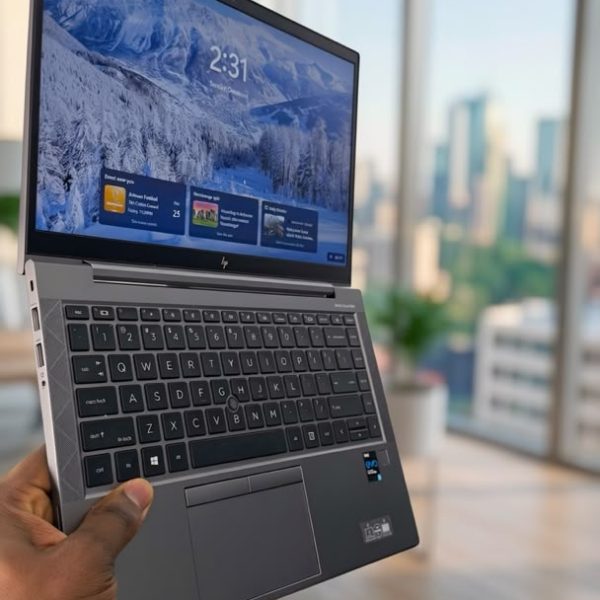
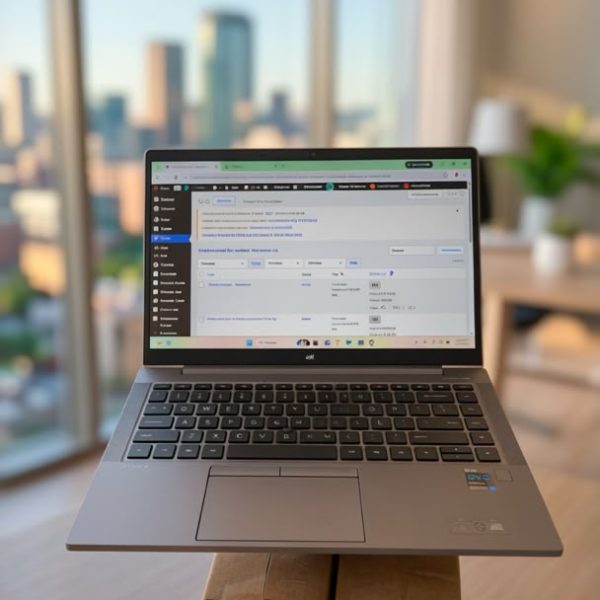
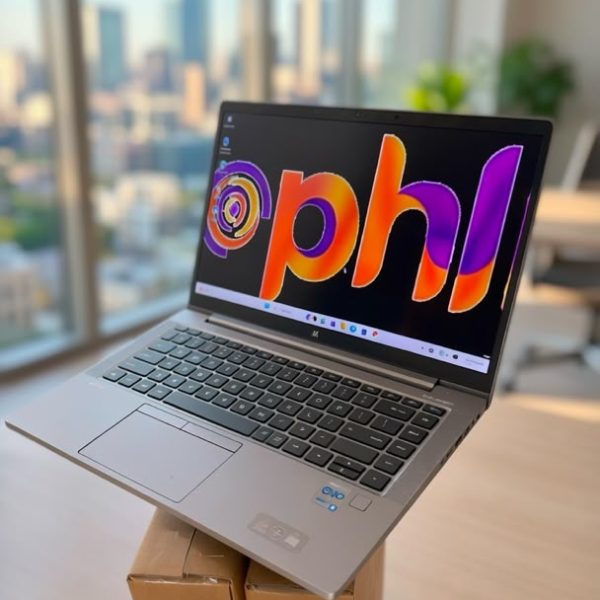
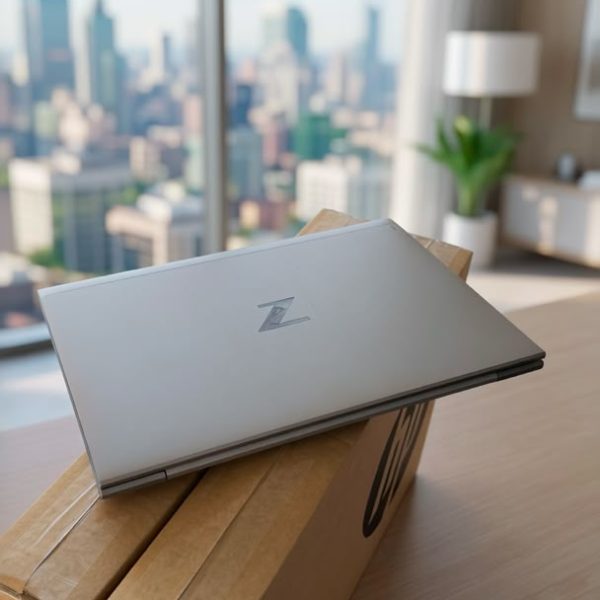
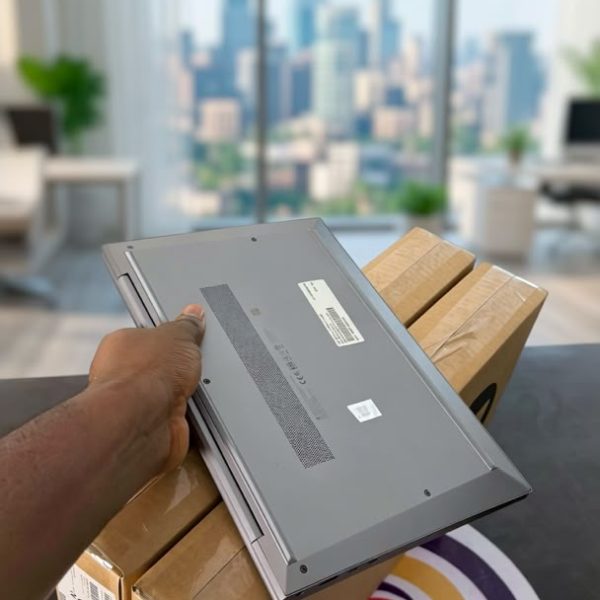
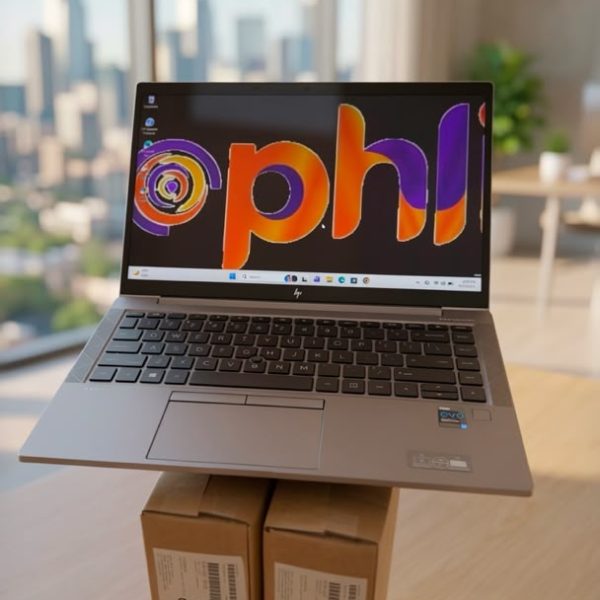
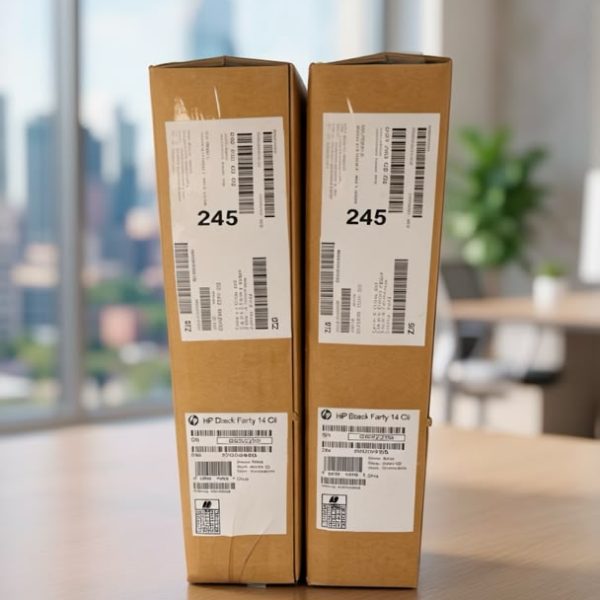
More Pictures of HP Zbook
Customer Testimonials
What Customers Are Saying:
⭐⭐⭐⭐⭐
“I bought for my business, battery is very strong and SIM slot saves me from hotspot wahala” – Jide, Lagos
⭐⭐⭐⭐⭐
“Collected at Computer Village, shop is legit, they gave me all free gifts as promised” – Amaka, Ikeja
⭐⭐⭐⭐⭐
“Backlit keyboard is very helpful, I work at night a lot” – David, Abuja (Delivery in 2 days)
★★★★★
“I have been scammed before when I paid before delivery, so I was very scared. But this company allowed Pay on Delivery. Rider came to my office in Lekki Phase 1, I opened the box, checked the HP seal, powered it on, saw SIM slot and HDMI working, then I transferred. Laptop is 100% brand new sealed. Battery is amazing.”
— Chinedu | Lekki, Lagos
★★★★★
“I specifically needed laptop with SIM card slot because I work on construction sites where there is no WiFi. Many sellers said SIM slot yes but it was fake. This one is real! I inserted my MTN SIM and it connected to 4G instantly. HDMI port also works perfectly for my projector presentations.
— Aisha Bello | Abuja
★★★★★
I checked Computer Village, they quoted me ₦680,000 for same specs without free delivery. Here I got ₦595,000 with free delivery + Extra laptop+free bag + laptop stand+ wireless mouse. Laptop is super fast, 256GB SSD boots in 7 seconds. Backlit keyboard is very bright, I can work at night. Seller called me before delivery to confirm address – very professional.”
— Emeka| GRA, PH
ORDER TODAY & GET Extra Laptop + BONUSES FREE
Fill The form below to place order
Your data is used only for delivery. We never share or sell your info.
✅ Free Delivery • ✅ Pay on Delivery • ✅ 17 Units Left
❓ FREQUENTLY ASKED QUESTIONS
Q: Do you deliver to my city? Is delivery really free?
Q: Can I really pay on delivery? How does it work?
Q: Does this laptop really have SIM card slot? How does it work?
Q: Does it have HDMI port and USB ports? What ports does it have?
Q: How long does battery last? Does keyboard light up?
SAFETY TIPS
To make your HP ZBook Firefly last 5+ years, please follow these usage safety tips from HP:
1. BATTERY CARE – VERY IMPORTANT:
– First time: Charge to 100% before first use (2 hours)
– Don’t always charge to 100%. Keep between 20% – 80% for longer battery life
– Don’t use laptop on bed or cloth – blocks air vent underneath and kills battery fast
– If you want to use 24/7 plugged in, enable “Battery Care Mode” in HP software to stop at 80%
– Battery lasts 10+ hours, but if you use heavy software like AutoCAD, expect 7 hours
2. SIM CARD SLOT & HDMI/USB PORTS:
– SIM Slot: Power OFF laptop before inserting or removing SIM. Use small pin to open tray. Don’t force big SIM – use Nano SIM size only
– HDMI Port: Plug HDMI gently, don’t force upside down. Unplug HDMI before moving laptop to avoid breaking port
– USB Type-C: This is both charger and data port. Use only original HP Type-C charger that comes in box. Don’t use phone charger – it will charge slow and spoil battery
– USB Ports: Don’t connect wet or rusty USB drives. It can spoil motherboard
3. KEYBOARD & SCREEN:
– Backlit Keyboard (Lit Keyboard): Don’t press F5 too hard. Light has 3 levels. To turn off backlight to save battery, press F5 again
– Keyboard: Don’t eat or drink over keyboard. If water enters, turn upside down immediately, power off, and call us – don’t try to power on
– Screen: Don’t press screen with finger or pen. Close laptop gently with two hands, not one corner. Don’t put heavy books on top when closed
4. STORAGE & SPEED:
– Your 256GB SSD is fast but limited. Don’t fill it 100% – leave at least 20GB free or laptop will become slow
– Don’t shake or drop laptop while it’s ON – SSD is strong but board can shift
– Save your important files on Google Drive as backup – if laptop is stolen, your work is safe
5. HEAT & ENVIRONMENT:
– Don’t use laptop under direct sun or inside hot car – battery swells
– Workstation laptops are powerful and get warm. It’s normal for fan to make small noise when using AutoCAD or Zoom
– Use on flat hard table for air to flow underneath. You can buy small laptop stand for ₦5,000 – helps cooling
6. SOFTWARE SAFETY:
– Don’t install 2 antivirus – it will make laptop very slow. Windows Defender is enough
– Update Windows only when you have strong WiFi or SIM data – don’t interrupt update
– For best performance, restart laptop at least once in 2 days
7. SECURITY:
– Set fingerprint + PIN – So if stolen, thief cannot access your files
– Enable “Find My Device” in Windows Settings – You can track if lost
FOLLOW THESE AND YOUR LAPTOP WILL SERVE YOU 5 YEARS WITHOUT FAULT.
You have 1 month warranty – But warranty does not cover:
❌ Water damage, screen broken by pressing, battery swollen by heat, port broken by forcing wrong cable
Need help with setup after delivery? Our support team will guide you FREE via WhatsApp video call.
📍 OUR OFFICE: 5 Pepple Street, Computer Village, Ikeja, Lagos
Call/Chat: 07070225569 (Tap to call or chat) – 8am to 6pm Daily
IMPORTANT DISCLAIMER – PLEASE READ:
This site is NOT a part of Facebook, Google, Instagram or TikTok in any way. Facebook is a trademark of Meta Platforms, Inc. Google is a trademark of Google LLC. This is an independent e-commerce store. We use Facebook Ads and Google Ads only for advertising. We are NOT endorsed by or affiliated with Facebook, Google, Instagram, or HP Inc. We are independent reseller of original HP products.